
The annoyance
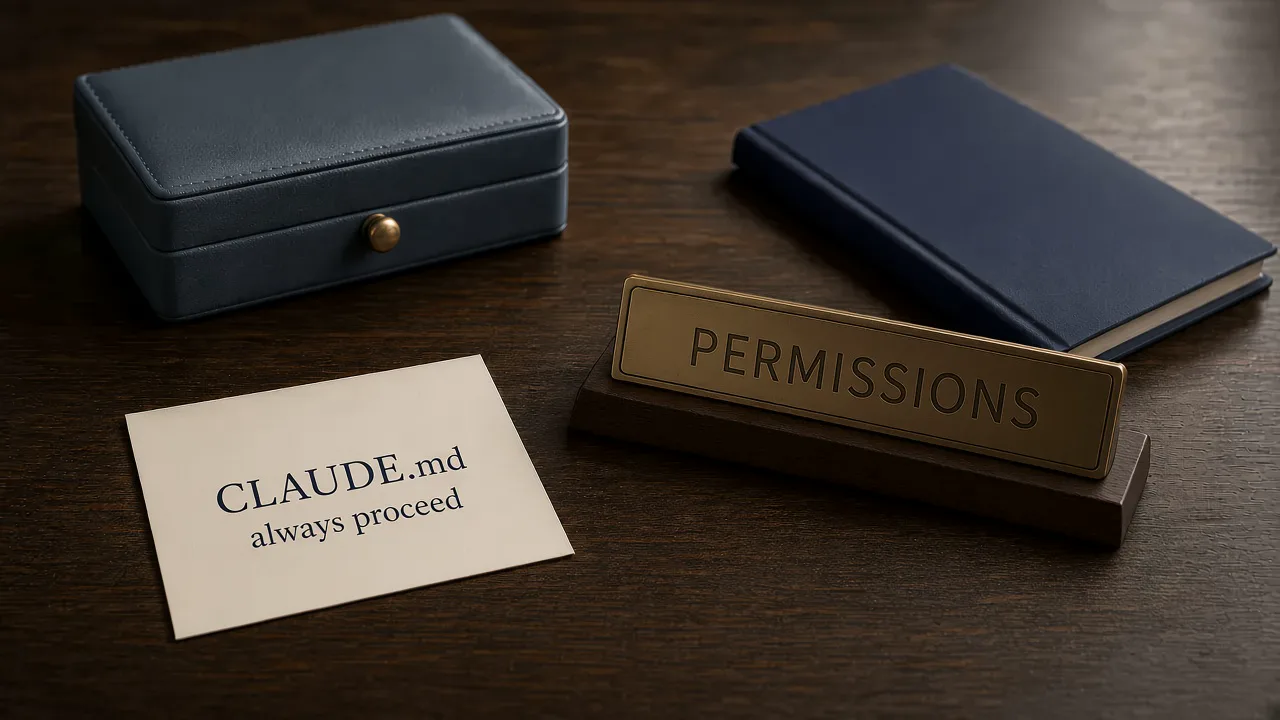
I wrote Always proceed without asking into CLAUDE.md so the permission prompts would stop. The file loaded. /context listed it under Memory files. The next Bash call still stopped and waited.
I had the usual suspects. A stale CLI. A deny rule I had forgotten. Then I opened /permissions and the allow list was empty. The sentence had shaped what Claude tried. It had left the allow list untouched.
Bypass permissions in project settings, auto in project settings, and permissions in ~/.claude.json cover where a settings key belongs. This note covers CLAUDE.md against the permission system.
What Anthropic actually says
From the official Configure permissions page, under “Manage permissions”:
“Permission rules are enforced by Claude Code, not by the model. Instructions in your prompt or CLAUDE.md shape what Claude tries to do, but they don't change what Claude Code allows. To grant or revoke access, use /permissions, the rules described here, a permission mode, or a PreToolUse hook.”
Same section, the three rule kinds. Official text:
“Allow rules let Claude Code use the specified tool without manual approval.”
“Ask rules prompt for confirmation whenever Claude Code tries to use the specified tool.”
“Deny rules prevent Claude Code from using the specified tool.”
The dialog that lists them:
“You can view and manage Claude Code's tool permissions with /permissions. The dialog lists all permission rules and the settings.json file each rule comes from.”
A permission mode is the other lever on that page. The modes are default, acceptEdits, plan, auto, dontAsk, and bypassPermissions. A line in CLAUDE.md is a memory file. When the rule syntax is too coarse, the same page names a hook, under what a Bash rule does not match:
“To inspect the full command text with your own logic before it runs, use a PreToolUse hook.”
The fix
The line I keep finding in CLAUDE.md looks finished. It loads with the rest of the memory file. It grants nothing:
Always proceed without asking. Do not show permission prompts.Grant the commands you actually want. Under “Wildcard patterns” the permissions page puts npm scripts and git commits in allow, beside a deny for git push. I keep the allow half when the job is to stop asking for those commands, under the permissions key in a settings file:
{
  "permissions": {
    "allow": [
      "Bash(npm run *)",
      "Bash(git commit *)"
    ]
  }
}
Put that object in .claude/settings.json for the project, or in ~/.claude/settings.json for every project on this machine. ~/.claude.json is the wrong file for a permissions key. Open /permissions if you would rather add the rule in the session. The dialog writes it into a settings file and shows which file it came from.
acceptEdits covers file edits in the working directory. dontAsk denies calls that would have prompted, and still runs tools already allowed through /permissions or permissions.allow. auto and bypassPermissions are modes, and the sibling notes cover which file can set them. A PreToolUse hook is the check when you need to read the command before it runs.
Prove it
Open /permissions with the allow rules in a settings file. The dialog should list Bash(npm run *) and Bash(git commit *), and the source line should name a settings.json. The CLAUDE.md sentence stays off that list.
# In-session: /permissions
# Allow rules are listed. Source is a settings.json file.
# The CLAUDE.md sentence is absent from that list.
# npm run build proceeds.
# A command the rule does not name still prompts.
Run npm run build, or whichever command the rule names. It proceeds. Run a command the rule does not name. The prompt is still there. That is the difference between a memory line and an allow rule.
Checklist
- Leave an always-proceed line in
CLAUDE.mdonly as guidance for what Claude should try. It will not grant access. - Add an allow rule under
permissionsin.claude/settings.jsonor~/.claude/settings.json. - Or add the same rule from
/permissionsand read which settings file it landed in. - Use a permission mode when a whole class of calls should change.
- Use a
PreToolUsehook when you need to inspect the command before it runs. - If the rule is sitting in
~/.claude.json, move it. That file holds app state. Permissions live in settings.
Why it fails
I treat CLAUDE.md as the place that decides. It is the file Claude reads, so a firm sentence feels like a setting. The permission check sits outside the model. The instruction can change what Claude attempts and leave the prompt where it was. Nothing throws. The sentence looks finished.
The three settings notes sit in the same family, and the surface is the split. They cover which file a permissions key belongs in. This one covers a memory file that was never on that list.
If you want to run this with other operators rather than on your own, we are doing that in the public Skool community, and that is https://www.skool.com/navaigate.
Sources
From idea to operation
Make the next AI decision concrete.
NavAIgate helps leadership teams identify high-value AI opportunities, prove them safely and turn the winners into working systems.